Free Telegram publisher
Publish Markdown and HTML from Telegram.
Send text or a file. @dochost_bot returns a clean web page you can share anywhere.
- Chat
- Private only
- File size by plan
- Free 1 MB / Pro 10 MB / Max 20 MB
- Page lifetime
- Free 7 days / paid permanent
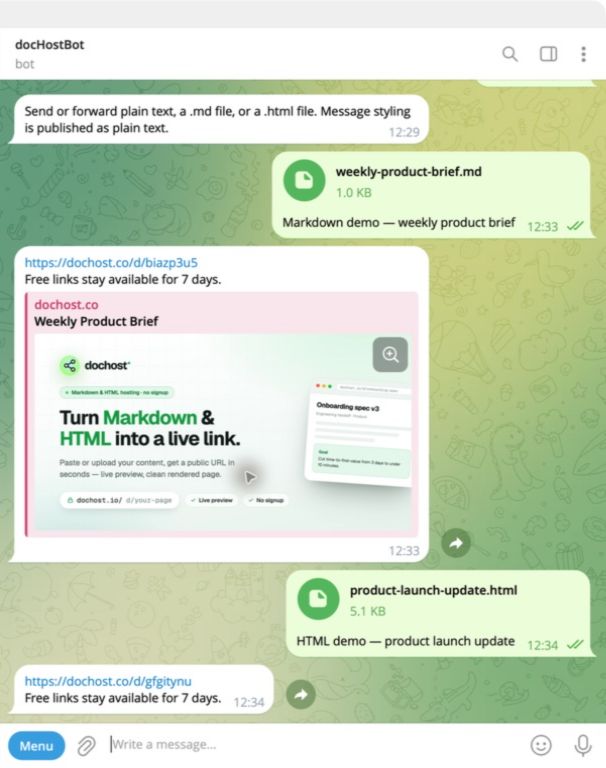
One upload. One finished page.
These screenshots come from a real production interaction, not a designed chat mockup.
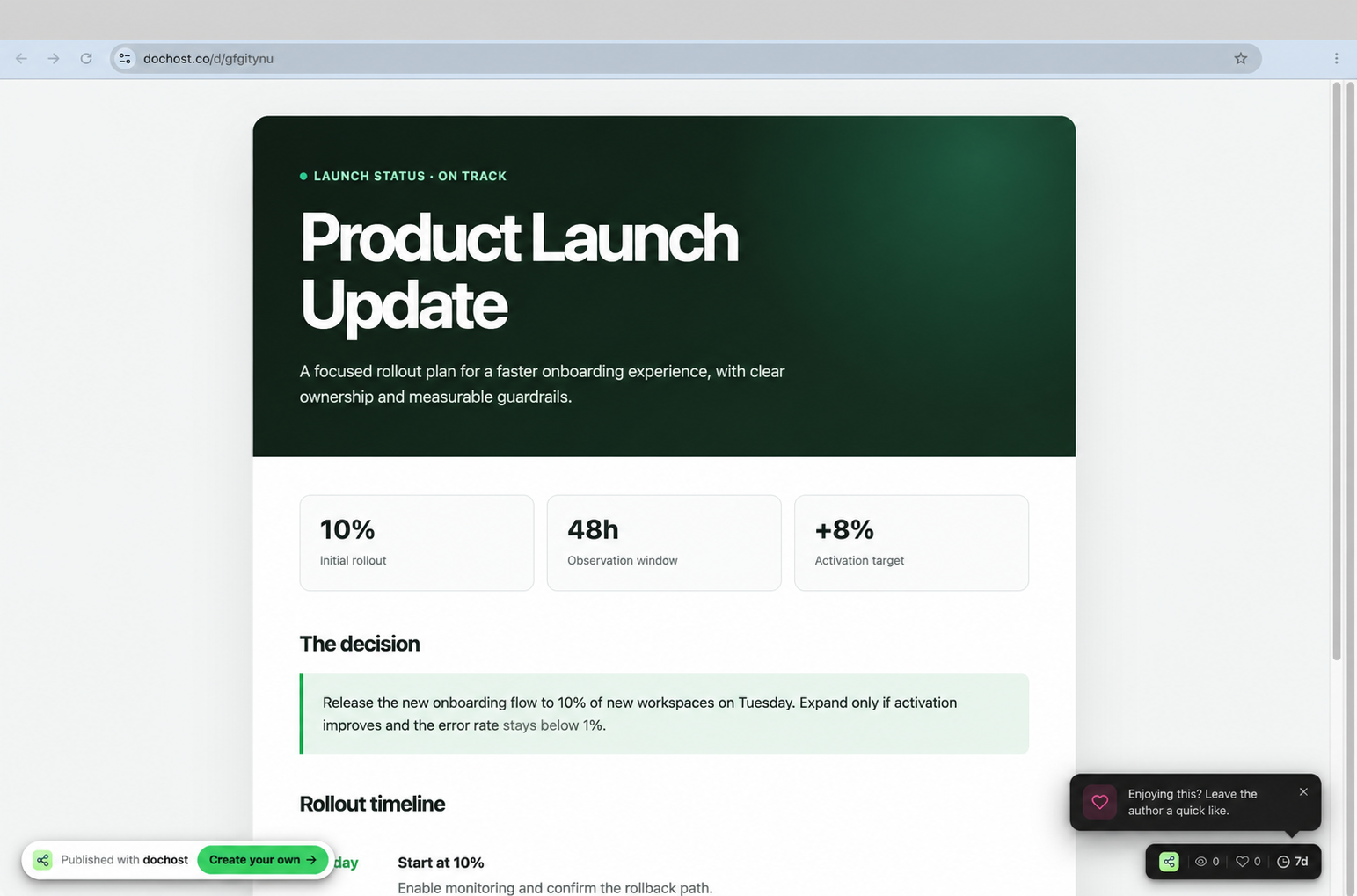
From chat to link in one exchange.
The publishing flow stays where the content already is.
Send or forward
Paste text or attach a UTF-8 Markdown or HTML file in a private chat.
dochost publishes
The bot detects the format and safely creates the page.
Anyone opens the link
The recipient needs only a browser. A Telegram account is not required.
Choose the publishing path that fits.
Telegram is fastest on a phone. The web, extension, and MCP paths stay available for other workflows.
Before you message the bot.
The practical details for the first publish.
What can I send to @dochost_bot?
Send or forward plain text, or attach a UTF-8 .md or .html file. Telegram file limits are Free 1 MB / Pro 10 MB / Max 20 MB. Max web uploads remain 50 MB.
Do I need a dochost account?
No. You can publish on the Free plan without sign-up. Use /link to connect an account and apply your Pro or Max benefits.
How long does the page stay online?
Unlinked and Free pages stay online for 7 days. Pages published from a linked Pro or Max account stay online permanently.
Can I add the bot to a group or channel?
Not currently. Publishing works in a private chat so the input and the result stay predictable.
Does Telegram formatting become Markdown?
A message is published as plain text. Attach a .md file when you want headings, tables, links, code, and other Markdown formatting.
Your next message can be a web page.
Open the bot, send something useful, and share its link.