Have an HTML file or a block of HTML? Turn it into a real website at a public URL in seconds — no hosting account, no domain, no deploy.
Turn it into a live website at a public link — no domain, no host account, no deploy.
Going from index.html to an actual website usually means more work than the page itself took: pick a host, create an account, point a domain, set up FTP or a deploy pipeline, and wait for DNS. For a single page — a landing section, a one-pager, a styled report — that is wildly out of proportion. Pasting the HTML here, or uploading the .html file, turns it into a live website immediately: a real URL anyone can open in a browser, with the layout, fonts and inline styles exactly as you wrote them. There is nothing to install and no domain to buy. The page is served as static content, so it loads fast and works the same on a phone or a laptop — an html to website step that takes seconds instead of an afternoon.
Paste your HTML into the box above, or switch to upload and drop in your .html file. A full document with inline CSS works best.
Check the live preview — it renders the page the way a visitor will see it, so you can confirm the styling traveled with the markup.
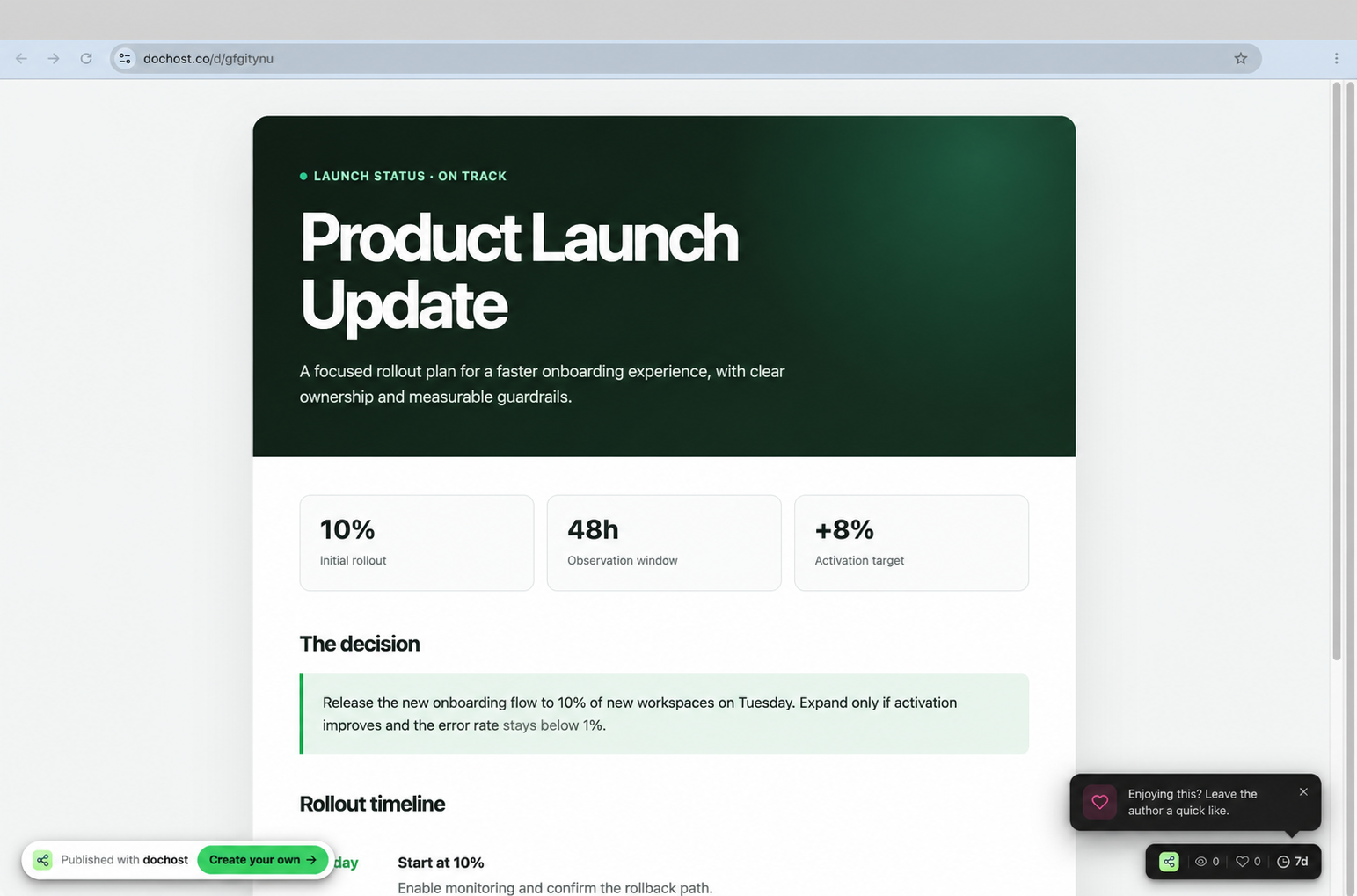
Create the link. You get a public URL that serves your page as a live website; share it anywhere, on any device.
A freelancer finishes a hand-coded HTML one-pager for a client pitch — a hero, three feature blocks, and a contact section, all styled with inline CSS in a single file. The client wants to “see it live,” not download a file and open it locally where half the team will forget how. Spinning up Netlify or buying a domain for a draft feels like overkill. The freelancer uploads the .html file here, the preview confirms the hero gradient and the button styles are intact, and they create a link. They send one line in the email: “Live preview here — flows top to bottom on mobile too.” The client opens it on their phone in the meeting, scrolls the whole thing, and approves the layout — all without the freelancer provisioning a host or touching DNS.
The word covers everything from one page you need on a URL this afternoon to a multi-page site with a database. Here is honestly where the line falls between this page and a static host like Netlify or GitHub Pages.
One HTML page, live at a URL
Both do it. dochost skips the account, the repository and the build step.
JavaScript that actually runs
The published page runs its own scripts, so interactive pages stay interactive.
No account, live in seconds
A static host wants a signup and usually a git repository first.
Multiple pages with /css and /images folders
The uploader takes a single file — relative asset paths have nothing to resolve against. Inline the assets, or use a host built for directories.
Collecting what readers type in
Neither one stores form data. Both can POST to an endpoint you own — see the guide on collecting form responses.
Your own domain name
Available on dochost’s paid plans; standard and free on most static hosts.
Still up in two years
A free dochost link expires after seven days; paid plans keep it indefinitely. A static host keeps it as long as the account lives.
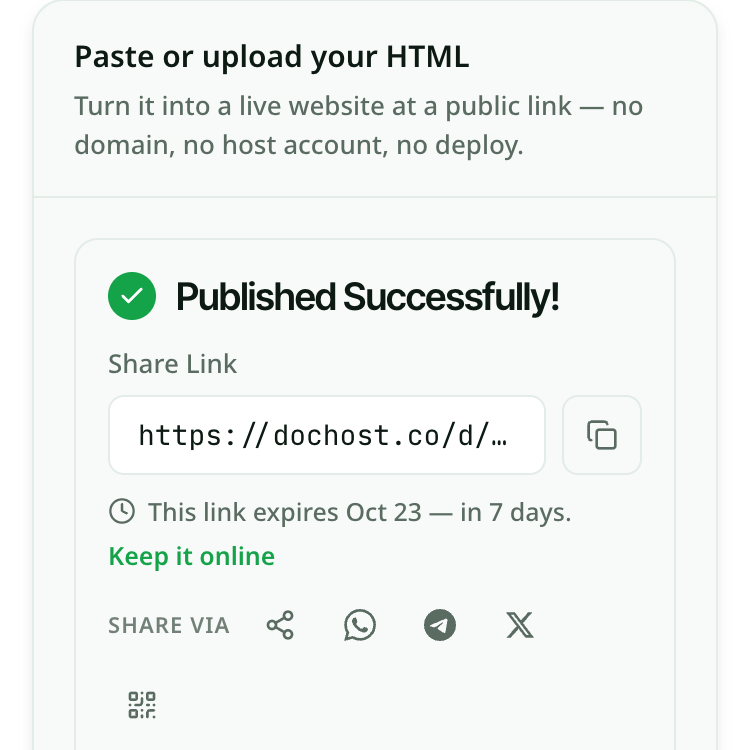
Free links last 7 days with a free account. On a paid plan every page you create stays online permanently.
See pricing