Logodochost
  • الرئيسية
  • استكشاف
  • الأسعار
  • عن dochost
  • أسئلة شائعة
Telegram
Logodochost

Paste AI-made Markdown or HTML. Send a clean link your coworker can open.

ابدأ مجانًا
Product
  • Telegram Bot
  • Browser Extension
  • Integrations
  • Features
  • Pricing
  • MCP server
  • FAQ
Resources
  • Blog
Use cases
  • PDF to Markdown
  • Word to Markdown
  • Markdown to Word
  • CSV to Markdown
  • Markdown to Google Docs
  • Markdown to Excel
  • Markdown to HTML
  • HTML to Markdown
  • URL to Markdown
  • Markdown Preview
  • Free HTML Hosting
  • Share ChatGPT HTML
  • All tools
Company
  • About
  • Contact
  • Changelog
Legal
  • Cookie Policy
  • Privacy Policy
  • Terms of Service
© 2026 dochost All Rights Reserved.
Featured on Corey.ToolsFeatured on ToolDirsFazier badgeFeatured on Twelve ToolsFeatured on Twelve ToolsFeatured on Wired BusinessFeatured on Wired BusinessFeatured on toolfame.comFeatured on doforai.toolsMossAI ToolsFeatured on ufind.bestFeatured on aitoolfame.comFeatured on Findly.toolsFeatured on saasfame.comFeatured on Aura++Launched on 21st Tools

Turn an HTML file into a live website

Have an HTML file or a block of HTML? Turn it into a real website at a public URL in seconds — no hosting account, no domain, no deploy.

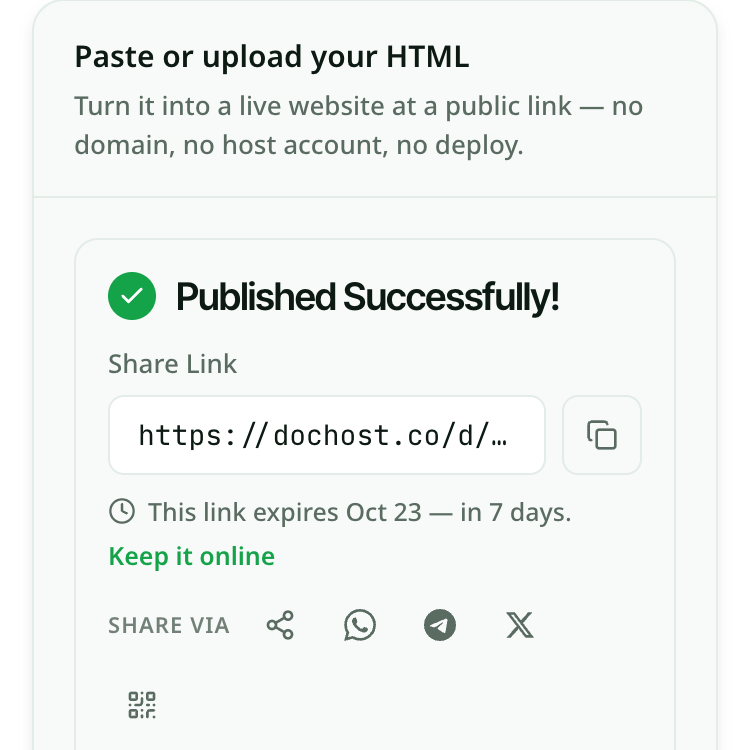
Paste or upload your HTML

Turn it into a live website at a public link — no domain, no host account, no deploy.

الظهور

Going from index.html to an actual website usually means more work than the page itself took: pick a host, create an account, point a domain, set up FTP or a deploy pipeline, and wait for DNS. For a single page — a landing section, a one-pager, a styled report — that is wildly out of proportion. Pasting the HTML here, or uploading the .html file, turns it into a live website immediately: a real URL anyone can open in a browser, with the layout, fonts and inline styles exactly as you wrote them. There is nothing to install and no domain to buy. The page is served as static content, so it loads fast and works the same on a phone or a laptop — an html to website step that takes seconds instead of an afternoon.

How HTML to website works

  1. 1. Paste your HTML into the box above, or switch to upload and drop in your .html file. A full document with inline CSS works best.
  2. 2. Check the live preview — it renders the page the way a visitor will see it, so you can confirm the styling traveled with the markup.
  3. 3. Create the link. You get a public URL that serves your page as a live website; share it anywhere, on any device.

مثال حقيقي

A freelancer finishes a hand-coded HTML one-pager for a client pitch — a hero, three feature blocks, and a contact section, all styled with inline CSS in a single file. The client wants to “see it live,” not download a file and open it locally where half the team will forget how. Spinning up Netlify or buying a domain for a draft feels like overkill. The freelancer uploads the .html file here, the preview confirms the hero gradient and the button styles are intact, and they create a link. They send one line in the email: “Live preview here — flows top to bottom on mobile too.” The client opens it on their phone in the meeting, scrolls the whole thing, and approves the layout — all without the freelancer provisioning a host or touching DNS.

أسئلة حول HTML to website

احتفظ بروابطك إلى الأبد

الروابط المجانية تبقى 7 أيام مع حساب مجاني. وفي الخطط المدفوعة تبقى كل صفحة تنشئها متاحة بشكل دائم.

اطّلع على الأسعار

استخدامات ذات صلة

  • Free HTML hosting for the finished pageWhere the file actually lives once it has become a website.
  • Free HTML hosting — get a live link without a hosting accountMost “free HTML hosting” means a signup form, FTP, and an ad banner on your page. For a single self-contained HTML file, you need none of that — paste or upload it and get a clean public URL in seconds.
  • HTML to URL: turn an HTML file into a linkHTML to URL in seconds: paste your HTML or upload an .html file and get a working URL — an HTML to link you can open and share.
  • Publish an HTML website for free — get a link in secondsUpload your HTML file and get a shareable URL. No hosting account, no terminal, no configuration.
  • How to upload an HTML file to a website — no hosting account requiredDrop your .html file into dochost and get a shareable link in under a minute. No FTP client, no cPanel, no server setup.
  • HTML file to link converterUpload a .html file from your computer and get a clean, shareable URL in seconds — no server setup, no attachment headaches.
  • dochost vs Tencent EdgeOne PagesDeploy-and-serve platform vs paste-a-page-to-a-link tool — which fits the job at hand?