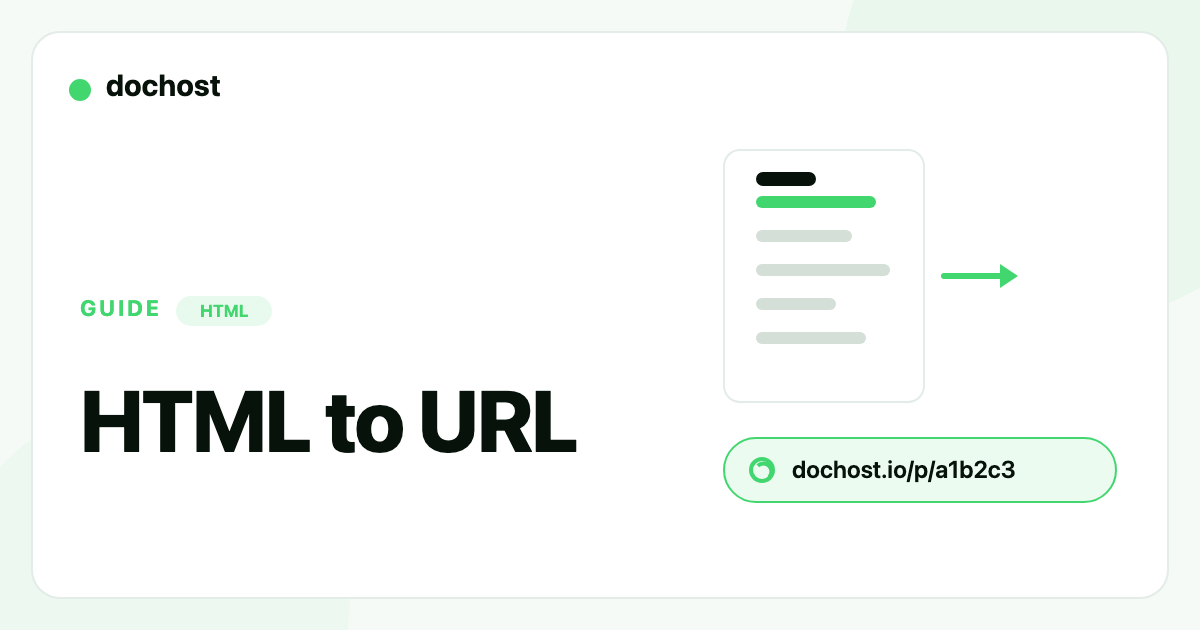
HTML to URL: How to Turn an HTML File Into a Link (Free)
Three ways to convert an HTML file into a working URL, plus the fastest no-setup method when you just need a link to share.
An HTML file sitting on your computer is invisible to everyone else. The moment you want a teammate, a client, or a reviewer to see it, you need to convert that HTML to a URL — a real web address that opens the page in any browser. This guide covers the three common ways to do it and when each one makes sense.
Why you can't just send the file
Emailing an .html file almost never works the way you hope. The recipient has to download it, trust it, and open it locally — and half the time it renders blank because a referenced stylesheet or script isn't on their machine. Messaging apps strip or block HTML attachments outright. What people actually want is a link: tap it, the page loads, done.
Option 1: Deploy to a static host
Netlify, GitHub Pages, Vercel, and Cloudflare Pages all turn HTML into a URL. They're the right tool when you're shipping a real site you'll maintain. For a single file you just need someone to glance at, they're heavy: you create a project, connect a repo or drag a folder, wait for a build, and get a long path. That's a lot of ceremony for one page.
Option 2: Run your own server
If you already have a VPS, dropping the file in a web root and pointing a domain at it works. But configuring a server, TLS, and a domain for one HTML file is rarely worth it unless you're already running infrastructure.
Option 3: Paste it and get a link instantly
The fastest path skips hosting setup entirely. With dochost's HTML to URL tool you paste the markup (or upload the .html file), confirm the live preview, and get a clean URL in seconds — no account, no build step, no deploy.
A few things that make this work for the "I just need a link" case:
- Inline CSS and JavaScript run as written. A self-contained document renders exactly as it does locally.
- CDN-referenced assets load. A
<link>to a public font or framework resolves when the visitor opens the page. - The only thing that won't load is a path that exists only on your disk — inline those before you create the link.
A quick example
You export a static dashboard from a build tool: one HTML file with charts drawn by inline JavaScript. A teammate in another timezone needs to review it. Instead of emailing the file (blank render, "is this safe?"), you paste it, get a URL back, and drop it in the pull-request thread. They click, the charts render in their browser exactly as on your machine, and they comment without cloning the branch.
If your starting point is a Markdown file rather than HTML, see Markdown to HTML — it renders and hosts in the same single step. And if you specifically need the page to stay online for the long term, read how to host an HTML file online for free.
Make the link permanent
Free links are temporary by design — 7 days, with or without an account — which suits review links and drafts. When you need a URL that never expires, a custom slug, or your own domain, that's what the paid plans cover.
Bottom line: for a whole site, use a static host. For a single HTML file you just need someone to open, paste it and turn the HTML into a URL in one step.
更多文章

How to Share an AI-Generated Quiz With Your Class
ChatGPT or Claude can build an interactive HTML quiz in one prompt — here's how to get it in front of 30 students as a link that works on any phone.

Are Claude Artifacts Public? What the Link Actually Exposes
An artifact is private until you publish it — and a published one is unlisted, not secret. Here's exactly who can see what, and how to share something that stays genuinely restricted.
Edit a Page You Already Published — Without an Account
Published a page, then spotted a typo? dochost now gives you an edit link alongside the share link, so you can update the page in place and keep the URL.
邮件列表
加入我们的社区
订阅邮件列表,及时获取最新消息和更新